You need to build an app in the Salesforce Lightning Experience in order to view the Agent for Salesforce.
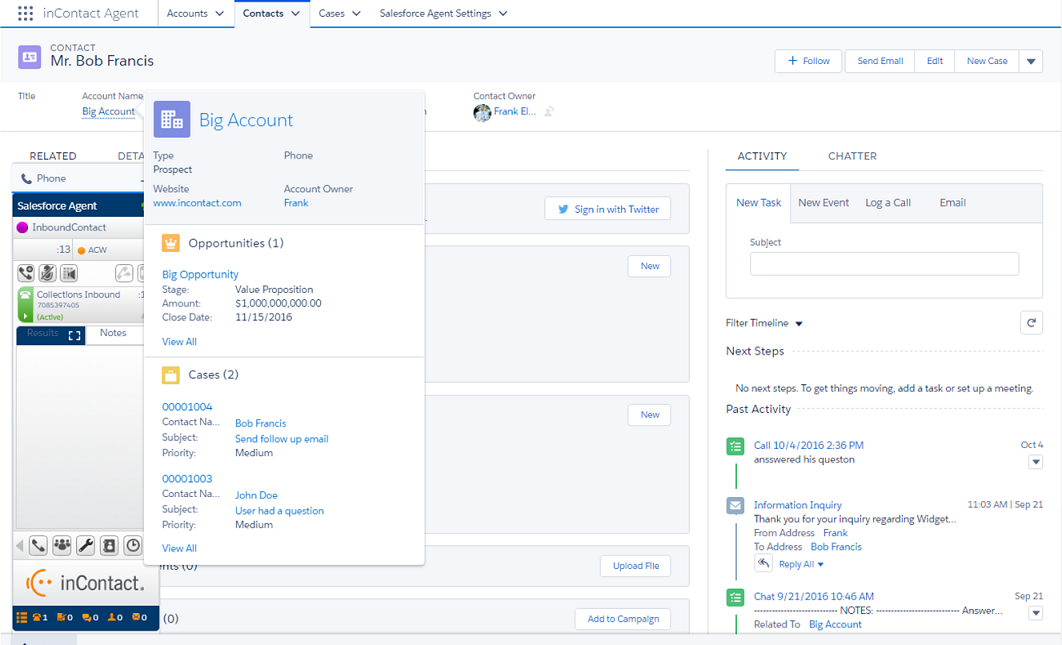
-
In the Lightning Experience view, click Setup (indicated by a gear and lightning bolt icon).
-
Under Platform Tools, click Apps → App Manager.
-
Click New Lightning App located in the upper right corner.
-
Add app details and click Next.
-
Select Standard navigation and click Next.
-
Click Add → Open CTI Softphone.
-
Add a new label, or leave the default label, and click Next.
You do not need to alter the panel scaling.
-
Select an item. Click the right arrow to add it to your new app. After adding the items you want, click Next.
-
Click a profile name and the right arrow to assign the app to the profile. After assigning the app to the appropriate profiles, click Save & Finish.
Your newly created app now appears in the App Launcher and the App Manager.
-
Launch your new app.


