Required security profile permissions: My Account Page Edit.
-
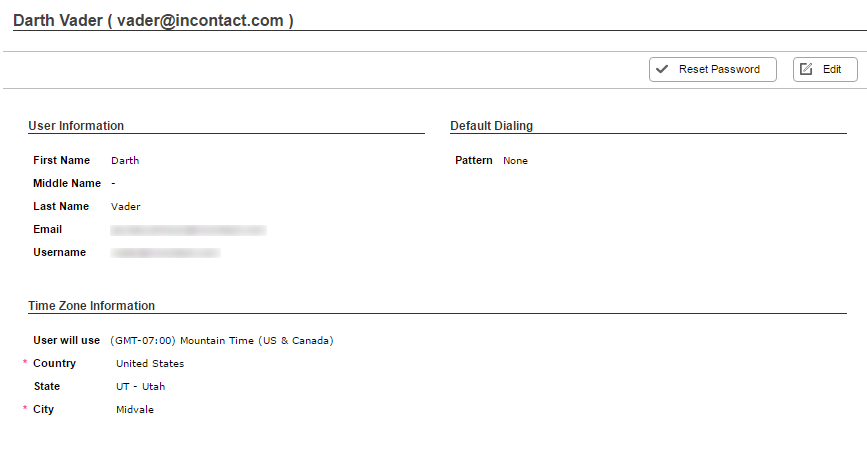
Hover over the icons on the left of the screen and wait for the pane to pop out. Under My Account, click your name.
- Click Edit.
- Make your updates.
If you use WFM and have the correct permissions in your security profile settings, you will see a WFM Notifications modal. Here, you can enable or disable automatic messages that the agent receives via the marquee just before the agent's schedule changes to a different activity.
If you enable the feature, you can select whether the message appears 5, 10, or 15 minutes before the agent's schedule changes.
- Click Done.


