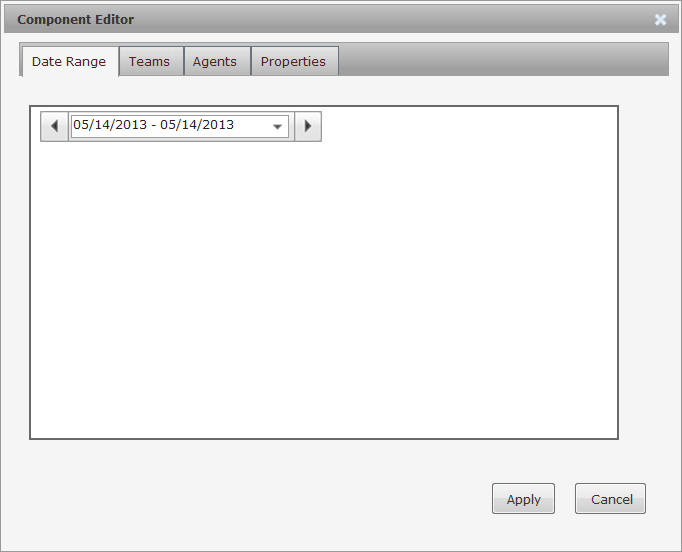
Historical widgets are useful in that you can select a date range for the historical data that displays in the widget. If you want to see Agent Performance data for last month or Contact Statistics for last week, you can with historical widgets. You just need to select the date and refresh the widget, as shown in the following steps.
-
Click the Home link.
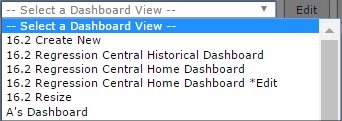
- Select a dashboard from the Dashboard View drop-down.
- Click Edit.
- Find the desired widget on your dashboard.
Make sure the widget you have selected is a historical widget and not a real-time widget.
- Click the Component Editor link.
- Click the Date Range tab if it is not already selected. See below.
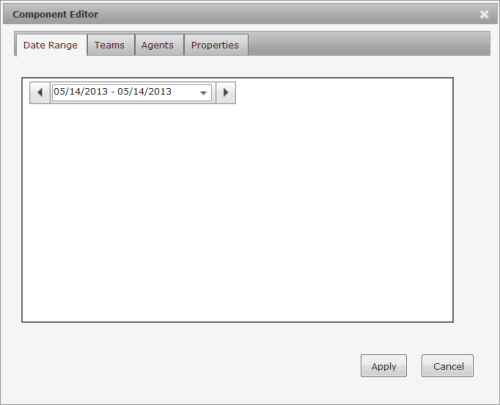
- Set the desired date range.
- Click Apply, and the widget will update immediately based on the selected date range.
- Click Save.