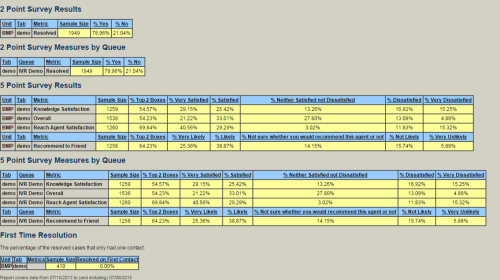
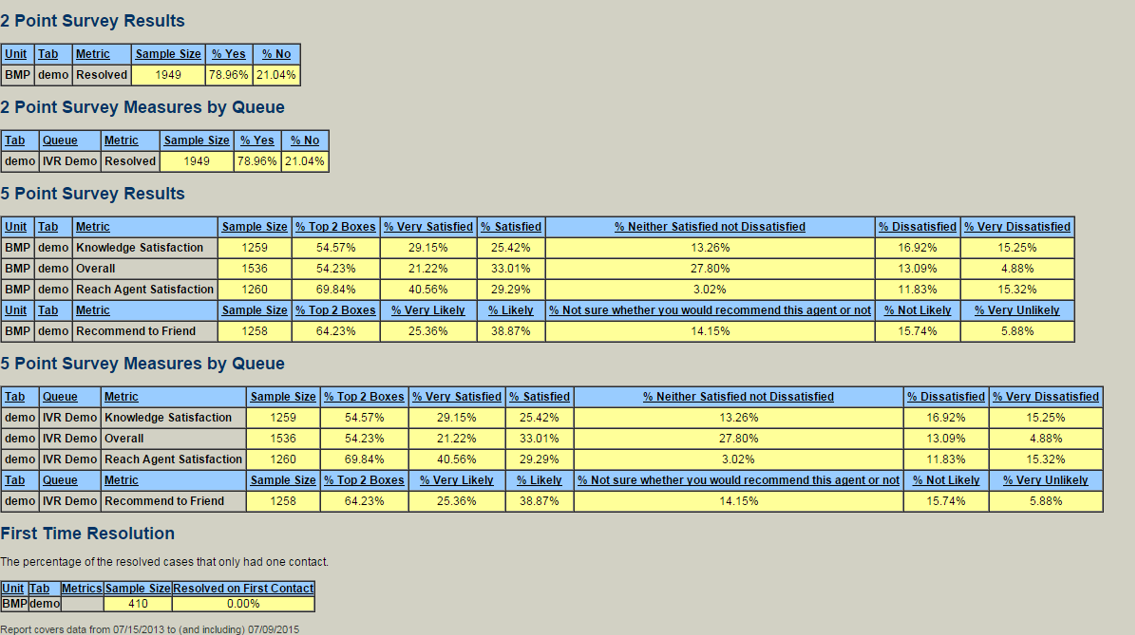
The Operation Summary Stats report displays data for surveys that have been taken by customers.
-
From the Home page, go to the Reports browse → Operation Summary Stats.
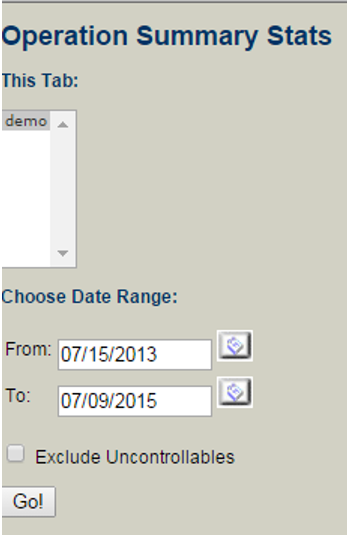
The following page opens:
-
From the This Tab: box, select the queue for which you want to retrieve data.
-
Select a date range using the From and To fields.
-
Click Go!
The following page opens: