View Messages from the Scrolling Marquis
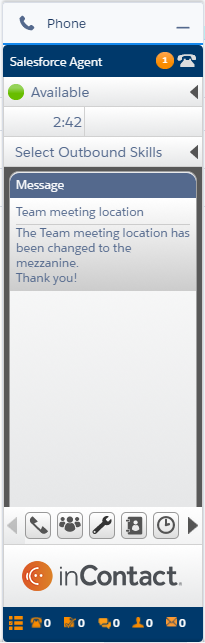
- Click the orange circle icon that appears with the scrolling marquis at the top of the application.
- View the message in the Messages window.
View Messages from the Messages Icon
-
Click Messages (indicated by a megaphone icon) to display the Messages window.


