Following your initial installation and login to the NICE inContact Agent for Oracle Service Cloud, you do not need to enter your NICE inContact credentials; however, if you log out of NICE inContact Agent for Oracle Service Cloud from within the application, you need to log in again to use the product.
For help using or troubleshooting the Oracle Service Cloud product, see Oracle's Documentation for Oracle Service Cloud Products.
-
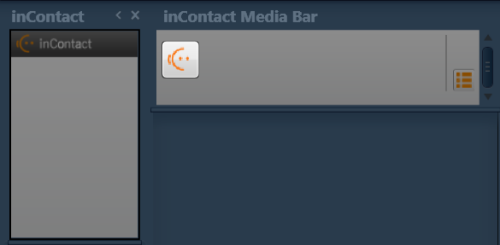
Click the NICE inContact icon in the inContact Media Bar.
-
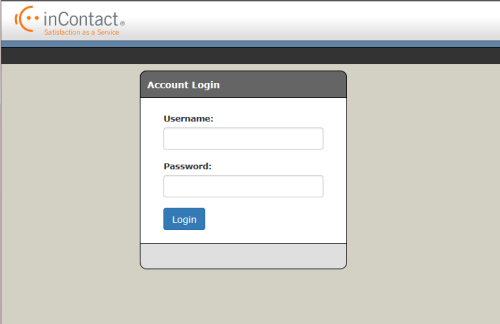
Type your NICE inContact username and password and click Login.
-
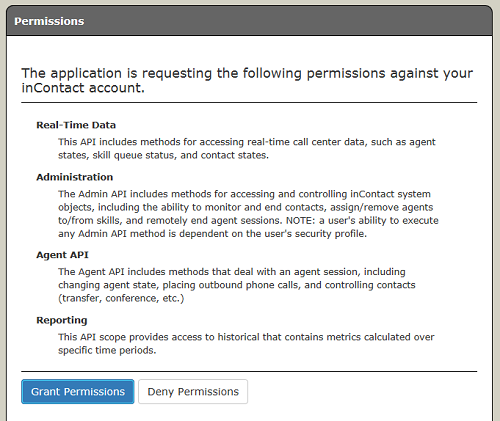
Read the Permissions requirements and click Grant Permissions.
-
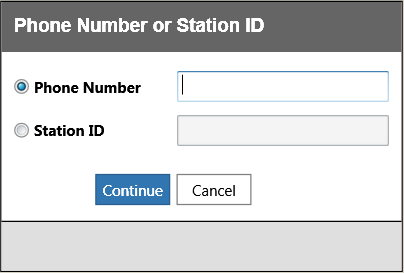
Enter the station ID or the phone number you want to use to configure your agent legAn active piece of a call that connects between routers, gateways, or telephony devices.. Click Continue.