This topic explains how to view and submit surveys using forms created by your manager or administrator. You can view surveys that are assigned to you, as well as those you have completed.
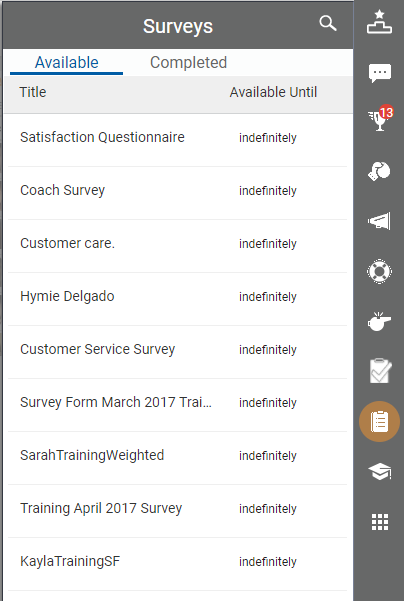
- Click the Surveys icon (indicated by a clipboard) in the toolbar to see the list of surveys. The Available tab lists any surveys assigned to you individually, to groups of which you are a member, or both. The Completed tab shows surveys you have previously submitted.
-
 (OPTIONAL) Complete and submit a survey.
- On the Available tab, click the name of the survey you want to take.
- Answer the questions on the survey, which opens in a separate window.
- Click Submit.


