- Log in to Auto Attendant as the user whose user options you want to modify.
- Click User Options.
-
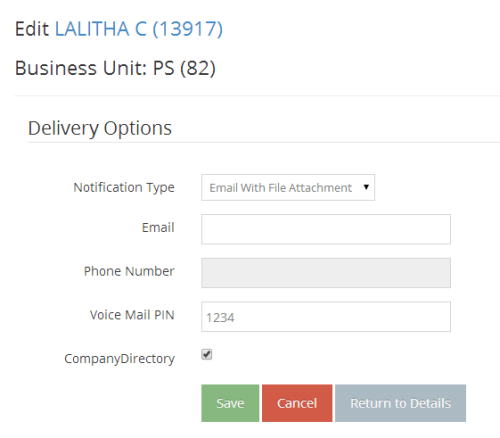
Update the fields and click Save.