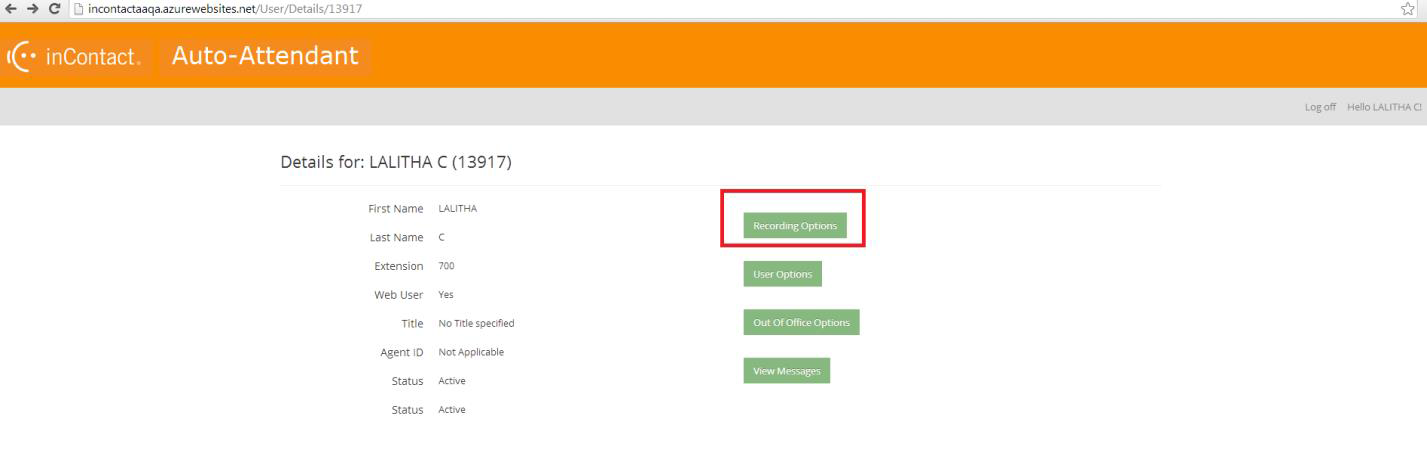
- Log in to Auto Attendant as a user.
-
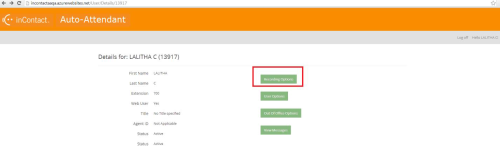
Click Recording Options.
- To record your name:
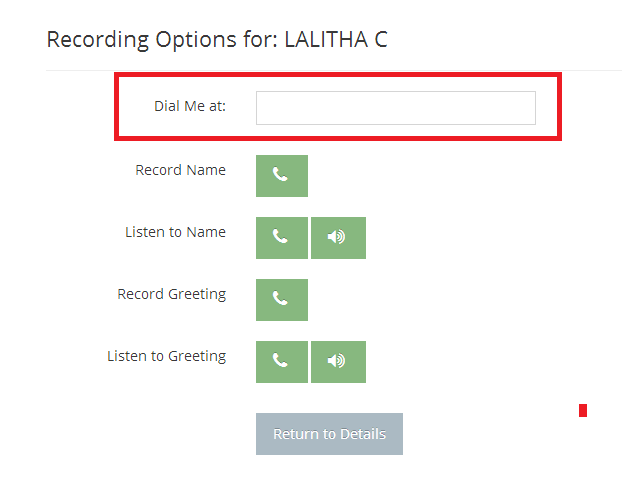
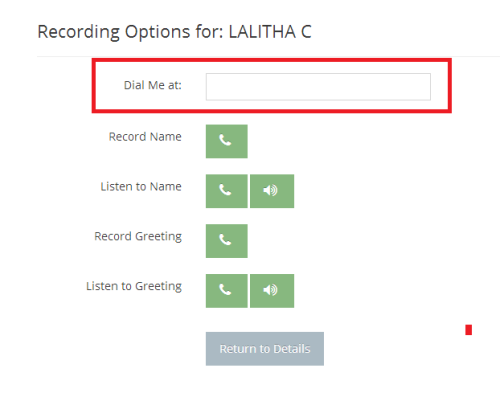
In the Dial Me at: field, type the phone number you want the system to call so you can record your name.
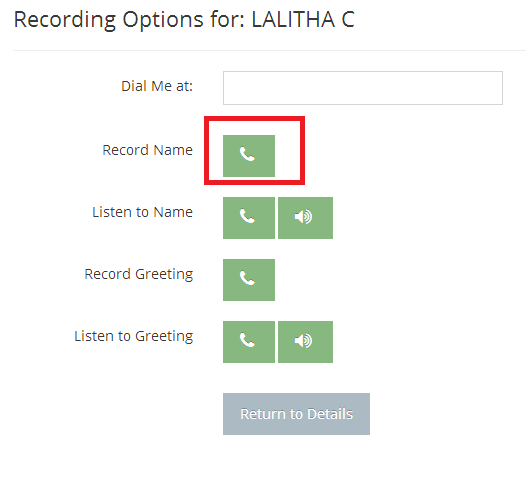
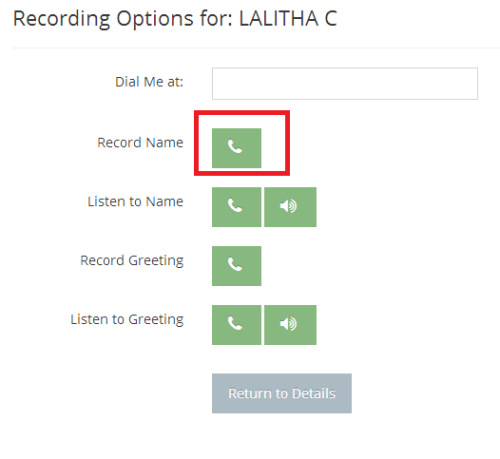
Click the phone icon next to Record Name to have the system initiate the call.
- The system calls the phone number you entered. Follow the prompts to record your name.
- To record your greeting:
In the Dial Me at: field, type the phone number you want the system to call so you can record your greeting.
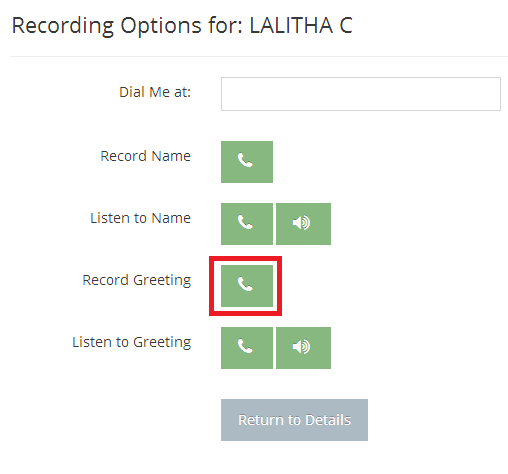
Click the phone icon next to Record Name to have the system initiate the call.
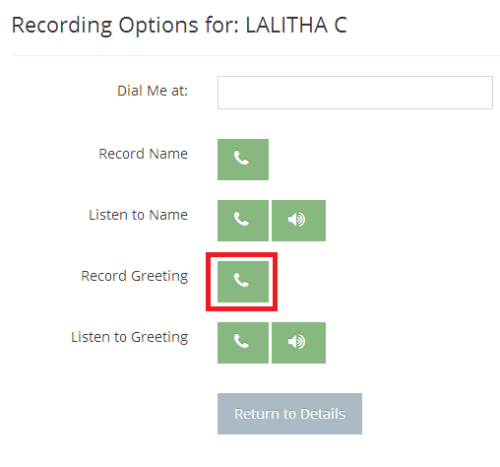
- The system calls the phone number you entered. Follow the prompts to record your greeting.
- To listen to your recorded greeting, click the speaker icon next to Listen to Greeting to play the recording on your computer speakers. If you want the system to call you to play back the recorded greeting, follow these steps:
In the Dial Me at: field, type the phone number you want the system to call so you can listen to your recorded greeting.
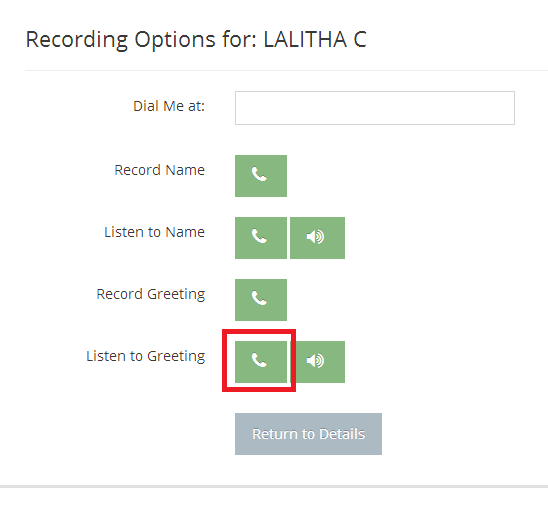
Click the phone icon next to Listen to Greeting to have the system call you with the playback of your recorded greeting.
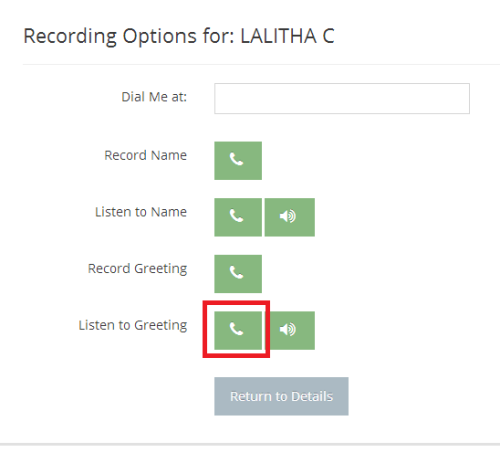
- The system calls the phone number you entered and plays the recording of your greeting.
- To record your name: