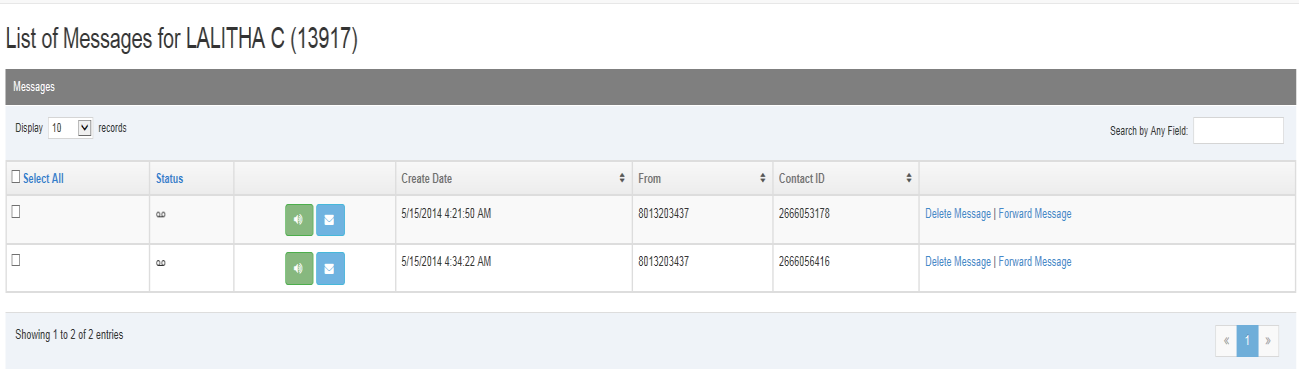
- Log in to Auto Attendant as the user whose messages you want to view.
-
Click View Messages.
-
Click the speaker icon of the message you want to listen to.

-
Alternately, you can have the voicemail sent as an attachment to your email address by clicking the email icon for a message.

-
Alternately, if you are logged in as a business user or rollover user, you can have the system call your phone number to play the message.

-