Required security profile permissions: Agent Issues View
-
Click Admin → Support → Agent Issues.
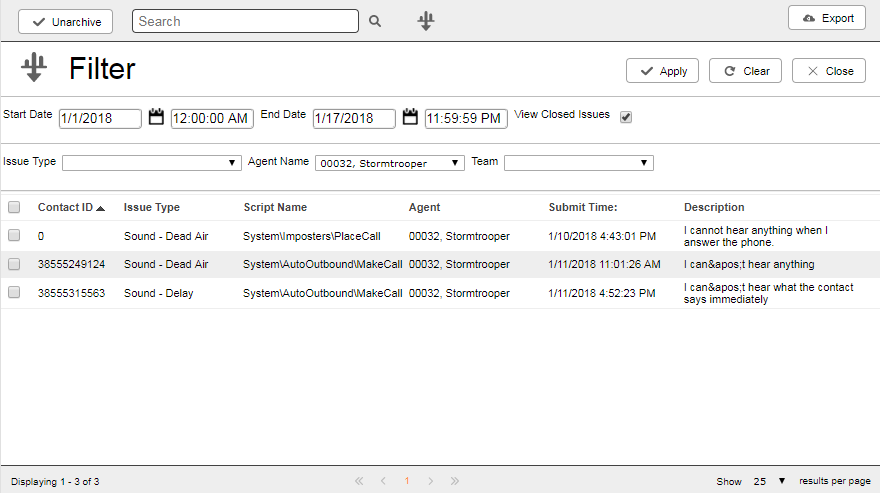
- Click the Filter button to the right of the search box.
- Select a new date range by specifying a Start Date and an End Date.
- If you want to view only closed issues, select the View Closed Issues checkbox.
- Select a specific Issue Type, Agent Name, Team, or any combination of the three, from their respective drop-downs to further filter the dashboard.
- Click Apply.


