Required security profile permissions: Users Edit
For the Agent application to register dialing matches and change them according to the configured agent dialing patterns, you must assign the agent patterns to specific agents at the
-
Click Admin → Users → Users.
- Locate the agent to whom you want to assign a dialing pattern and click the
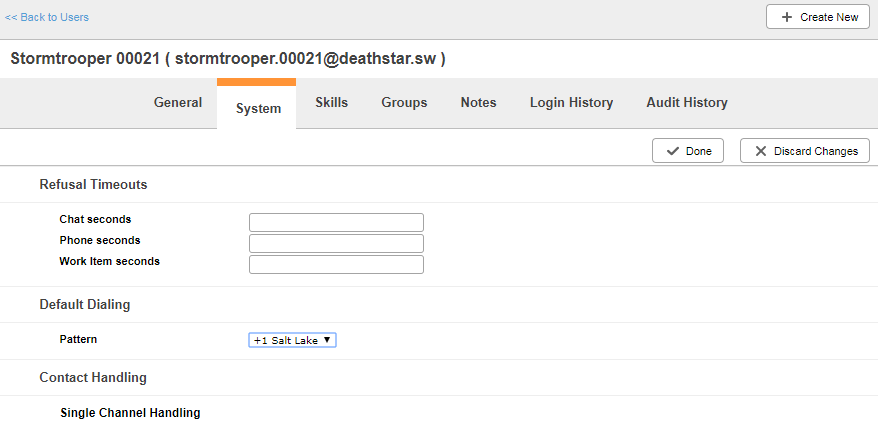
- Select the
- Under Default Dialing, select the Pattern you want to apply to the agent.
- Click


