Required security profile permissions: Agent Patterns Delete
-
Click Admin → Account Settings → Agent Patterns.
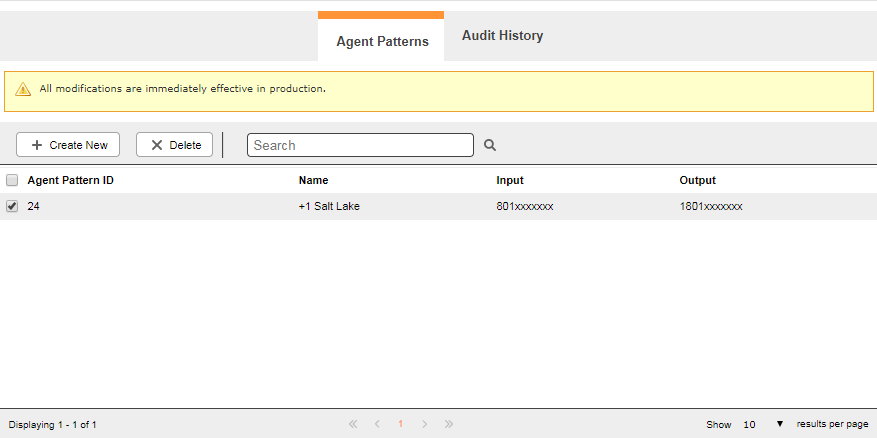
- In the table, select the checkbox of each agent pattern you want to delete. To select all agent patterns at once, select the checkbox beside the Agent Pattern ID heading.
- Click Delete.


