Required security profile permissions: Contact History View
The Contact History report enables you to view calls that were considered refused. A refused call in the Contact History report does not necessarily mean the contact was lost or that a serious problem occurred that requires attention. Sometimes a call is considered refused because it was redirected to another agent; in this situation, the contact is often unaware that anything unusual has occurred. Refusals are not a concern unless an agent experiences consistent refusal rates or the overall refusal rates are increasing. Some refusal reasons may have associated telephony standard cause codes associated with them. This code is sent from the call carrier network to the platform and then associated with the contact. When this occurs, the cause code is listed.
Cause codes 16 and 255 are normal releases of a contact and should be associated with contacts.
-
-
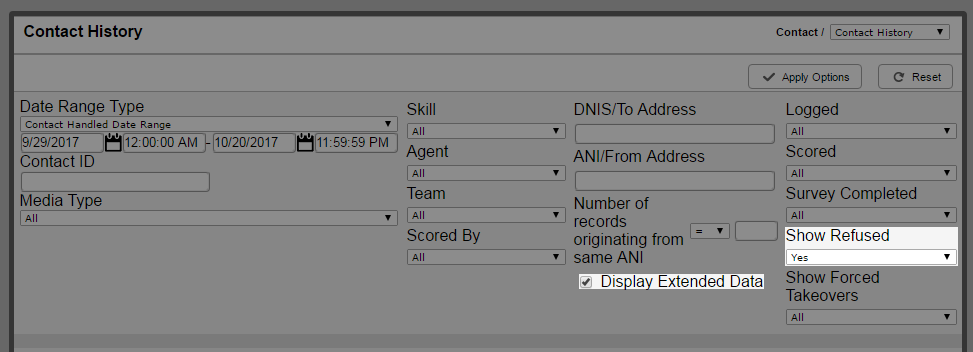
Configure the report parameters how you want them, then set the Show Refused option to Yes and select the Display Extended Data checkbox.


