Required security profile permissions: Users View
The user profile Login History tab page displays a table with information about each of the user's login sessions in Agent. You can sort the table in ascending or descending order by any of the columns, and you can browse the table with the pagination arrows. You can also use the search box to find a specific login session based on information in any column.
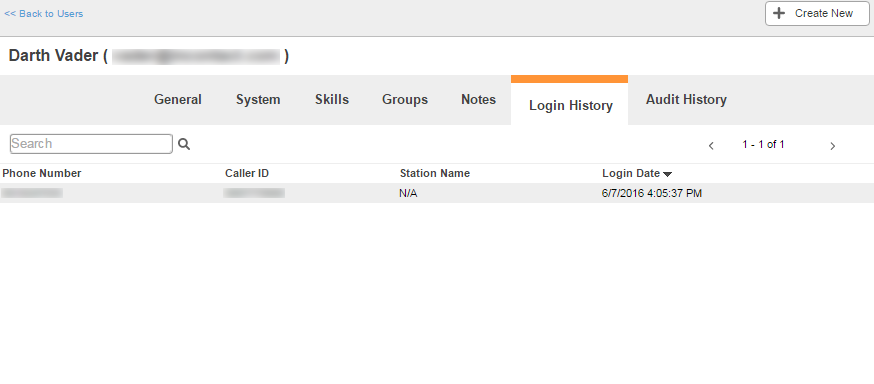
Columns
- Phone Number
- The phone number the user used to log in.
- Caller ID
- The caller ID of the user, or the number contacts see when the user calls them.
- Station Name
- The name of the station the user used to log in.
- Login Date
- The date and time the user logged in. It follows the format MM/DD/YYYY HH:MM:SS AM/PM.


