Required security profile permissions: External Business Unit View, Business Unit Web Services Create
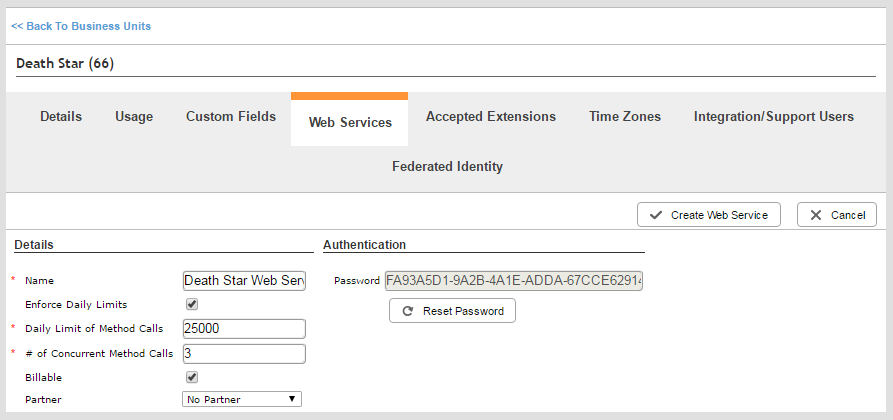
- If you want to associate the web service with a partner, contact your NICE inContact account manager to set it up.
-
Click Admin → Account Settings → Business Units.
-
Click the row of the business unitFile format associated with Microsoft Excel; may also be expressed as .xlsx you want to modify to open it. If you have many business units to choose from, use the search feature on top of the table or the page links on the bottom to locate the business unit.
-
Click the Web Services tab.
- Click Add Web Service.
-
Enter a descriptive Name for the web service and modify any of the default settings if you want to limit daily or concurrent calls, associate the web service with a partner, or change other settings. Click Create Web Service.


