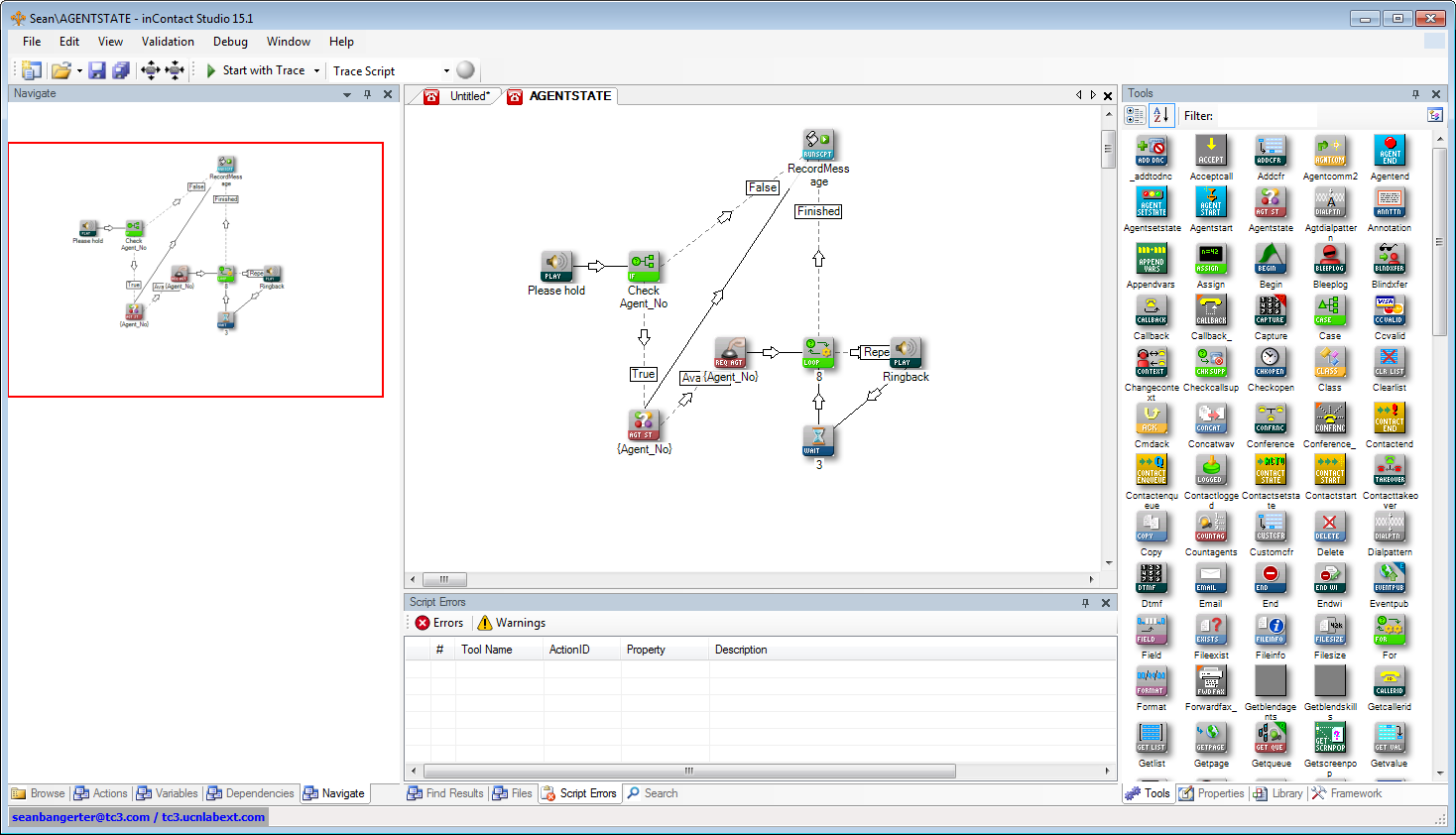
Any of the script types in Studio can be saved as a .xml file that you can export to a folder on your computer so that you can use it in another system or email it to someone who does not have access to Studio.
-
Click File and then click Open.
You can also open a script by clicking the Open icon on the toolbar.
-
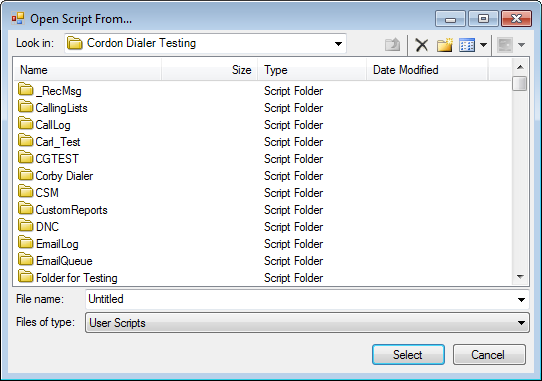
In the Open Script From window, navigate to the script file name you want to open:
-
Double-click the file name to highlight it, and then click Select.
The script will appear in your canvas:
-
Click File and then select Export to File.
-
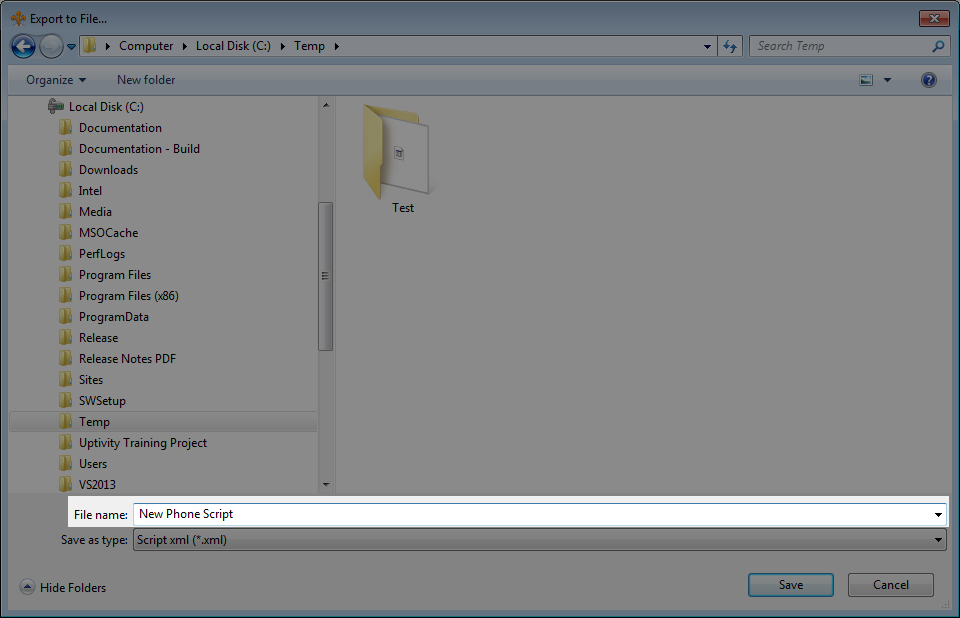
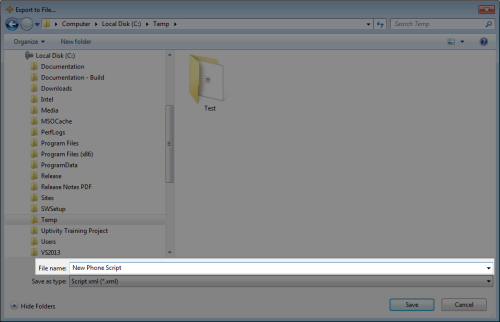
When the Export to File window appears, navigate to the location on your computer where you would like to save the file.
-
If you would like to save the file as a name other than the one used to Studio, then replace the text in the File name: field:
-
Click Save.
After the NICE inContact system exports the .xml file to the location you have selected on your computer, you can go to that location and use the .xml file to accomplish the tasks for which you exported it.